- Noida (Sec 63) Delhi (Preet Vihar)
- 8800955639, 9871700866, 8368840052
- Everyday: 7AM to 8PM
- info@gicseh.com

Our Basic Computer Course is a true 0 level computer course built for absolute beginners, learners who've never touched a computer before, right through to anyone wanting to formalize scattered, self-taught knowledge. Covering everything from switching on a computer for the first time to confidently using MS Office, the internet, and everyday troubleshooting, this program is designed to work for learners anywhere, regardless of city or prior background, which is exactly why it's consistently regarded as one of the best computer courses for genuine beginners across India.
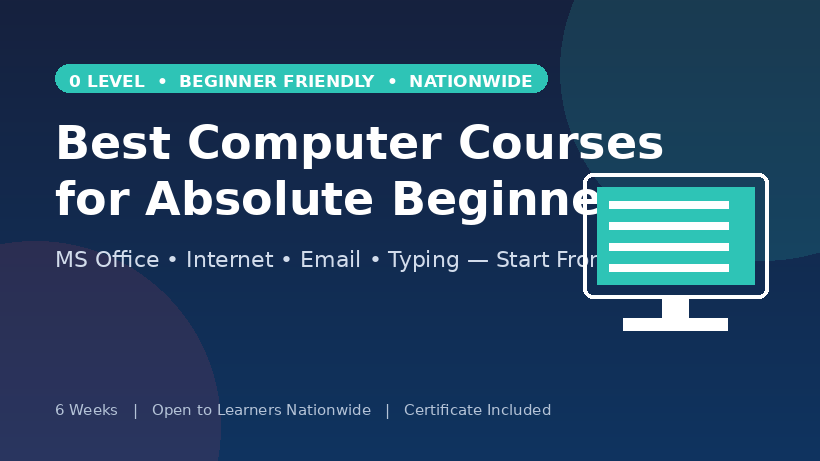
Week 1: Computer fundamentals, hardware basics, OS navigation
Week 2: File management, typing practice begins
Week 3: MS Word essentials
Week 4: MS Excel essentials
Week 5: MS PowerPoint and internet basics
Week 6: Email, online safety, practical assignments, final assessment
Most courses that call themselves "beginner-friendly" still quietly assume you already know how to click, drag, open a file, or navigate a folder. A genuine 0 level computer course doesn't make any of those assumptions. It starts at the actual starting line: what a computer is, the difference between hardware and the software running on it, and how to physically operate a mouse and keyboard with real confidence, before a single application is opened.
This distinction matters enormously for learners who've been let down by courses before. If you've ever sat through a class where the instructor moved on to the next topic while you were still trying to figure out how to save a file, you understand exactly why a true 0 level starting point matters. It removes the anxiety of feeling behind on day one, because there's no assumed baseline you're expected to already meet.
This course is built to work the same way whether you're in a major metro or a smaller town, since the fundamentals of computer literacy don't change based on location, only access to good, patient teaching does.
It's easy to underestimate how much a basic computer course changes someone's daily life and job prospects, especially now that even non-technical jobs increasingly expect at least some computer familiarity. A well-structured basic computer course covers skills that translate directly into daily usefulness:
For many learners, this single course is the difference between being excluded from digital opportunities entirely and being able to confidently complete an online job application, communicate professionally, or help a family member navigate a government portal. Its impact is genuinely outsized relative to how short and foundational the course itself actually is.
A 0 level or basic computer course serves a genuinely wide range of learners, and this program is deliberately built to work well no matter which city or region you're joining from:
No prior computer knowledge, typing speed, or technical background is assumed at any point, and the course structure is intentionally the same regardless of your location, so a learner joining from a small town gets exactly the same grounded, patient teaching as one joining from a major city.
With so many "computer courses" marketed broadly, it's worth being specific about what actually makes one genuinely useful for a true beginner, wherever they're learning from. The best computer courses for this audience consistently share a few qualities.
They start truly from zero, not from an assumed baseline that leaves beginners confused in the first session. They emphasize hands-on practice over passive demonstration, since computer confidence is built by actually doing things repeatedly, not watching someone else do them. They cover practical, immediately usable skills, MS Office, internet basics, email, rather than abstract concepts that don't translate into daily use. And they move at a pace matched to real beginners, not one designed for people who already have some background.
A genuinely well-designed basic computer course should leave you able to sit down at any computer, anywhere, and confidently create a document, search for information you need, send a professional email, and troubleshoot small everyday problems independently. That practical independence, more than any certificate, is the real measure of whether the course actually worked.
Perhaps the most overlooked benefit of a well-taught 0 level computer course is the confidence it builds beyond the specific skills covered. Many learners arrive genuinely anxious about technology, worried about "breaking something" or embarrassed about not already knowing basics that seem to be assumed everywhere else. A patient, genuinely beginner-friendly course removes that anxiety step by step.
By the end, learners aren't just able to complete specific tasks, they approach new technology in general with far less hesitation, a shift that matters just as much for daily life and career prospects as the individual skills themselves, and one that holds true whether you're applying it in a small local business, a larger city office, or simply managing your own household's digital needs.