
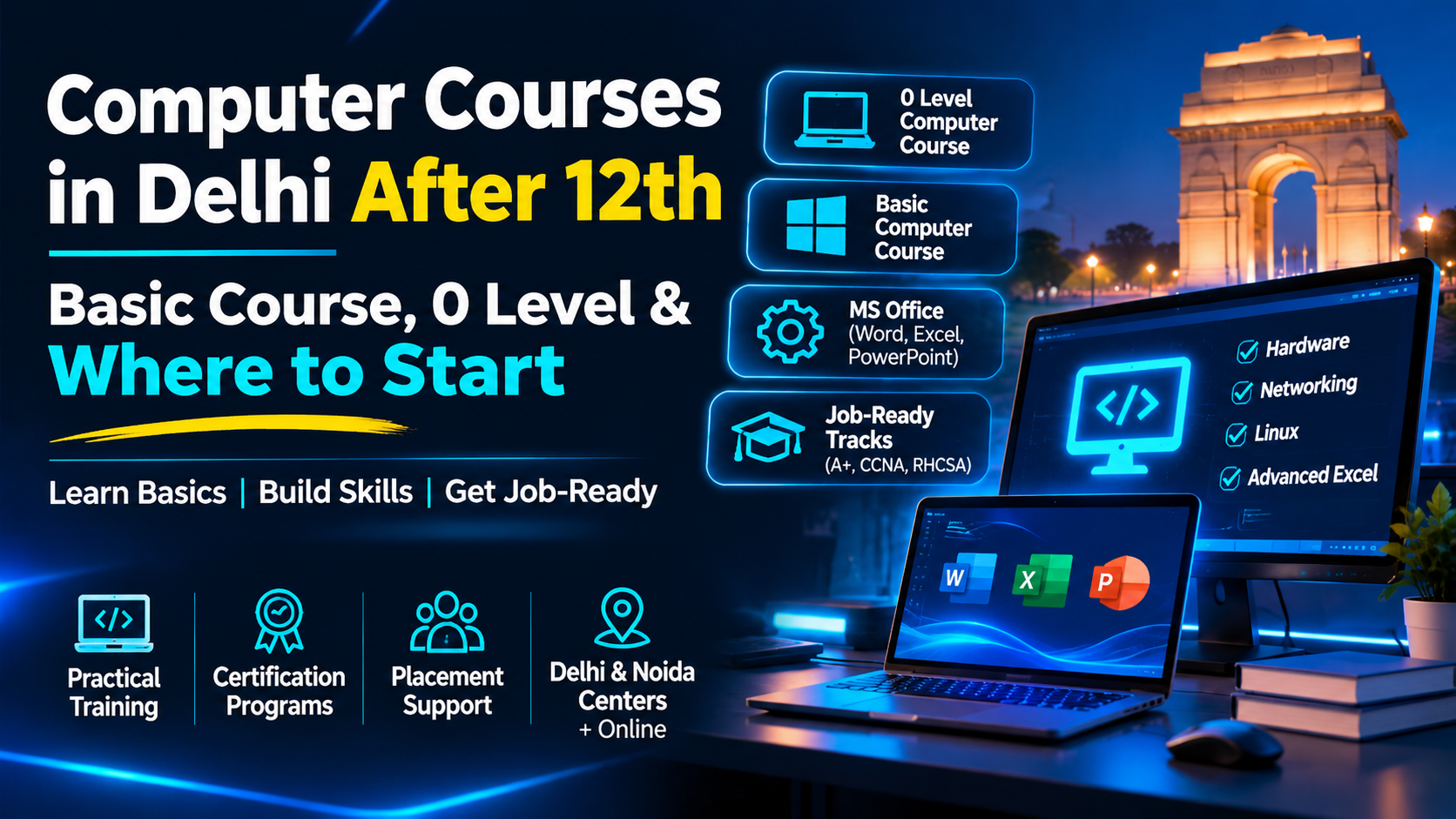
 Computer Courses in Delhi After 12th: Basic Course, 0 Level & Where to Start
Your 12th is done, relatives keep asking "ab aage kya?", and every friend has a different opinion about computer courses in Delhi. Sound familiar? You're not alone.
Here's the twist. Two course names keep confusing beginners: the 0 level computer course and the basic computer course. They sound similar, yet they aren't the same thing.
So which one is right for you? And what comes after? A few minutes from now, you'll know exactly where your first class should begin.
No jargon, no pressure, and no pushy sales talk. Just a clear path for Arts, Commerce and Science students, so you can pick a course without second-guessing.
Computer Courses in Delhi: What's Actually Available Today
Beginner, Job-Ready and Advanced: Where Do You Fit?
When entering any organization, a person is likely to hear multiple titles of courses being offered there. He should not worry as most of the computer courses in Delhi can be divided into three simple categories.
Beginners are advised to take up basic computer course and MS Office. By learning a job-oriented course, a student can study such topics as hardware, networking, or Linux.
An advanced level course may be taken once the fundamental knowledge is understood.
| Level | Who it's for | Examples |
| Beginner | First-timers and 12th pass students | MS Word, PowerPoint, Excel |
| Job-ready | Anyone aiming for IT support or technical roles | CompTIA A+ Hardware, CCNA, RHCSA |
| Advanced | Those already comfortable with the basics | Advanced Excel |
Online or Classroom: What Works for You?
GICSEH offers its computer course in online mode, so you can learn from home. You'll also find GICSEH centres in Preet Vihar (Delhi) and Sector 63 (Noida).
0 Level Computer Course: What It Covers and Who Should Join
So, what is a 0 Level Computer Course?
An 0 level computer course for computers is a good option for those individuals who have never used a computer before but would like to learn how to use it. A beginner’s course teaches how the computer works and how to use basic software successfully.
What You'll Learn
- How a computer works: CPU, RAM, storage and ports
- MS Word for letters, resumes and documents
- MS Excel for tables, formulas and simple data work
- MS PowerPoint for presentations
- Basic safety habits to protect your files and data
Is It Enough to Get a Job?
It's a strong first step, but not the finish line. A 0 level computer course builds your comfort with computers and office tools.
From here, you can move on to hardware, networking or Linux tracks. You can also add Advanced Excel. Many computer courses in Delhi are built to work this way, one step at a time.
Basic Computer Course: Your First Step into IT
What Does a Basic Computer Course Cover?
In a typical computer basics course, someone with little computing knowledge “can learn how to operate a computer through hardware and use the various applications commonly used by businesses.
On the subject of hardware, you will learn about CPU, RAM, storage capacity and ports. You will also have a good understanding of how components work together.
And after that students will learn how to use MS Office. Most likely, students will learn about Word, Excel and PowerPoint, as they are the most common software applications used in offices.
Basic Computer Course vs 0 Level Computer Course
| 0 Level Computer Course | Basic Computer Course | |
| Focus | Computer fundamentals and everyday software | Hardware basics plus MS Office |
| Best for | Complete beginners | Beginners who want a hands-on start |
| Next step | Basic or job-ready tracks | CompTIA A+, CCNA or RHCSA |
Skills You'll Walk Away With
- Making a clean resume and letters in Word
- Handling simple data and formulas in Excel
- Building a presentation you can confidently present
- Understanding how a PC is assembled and why it fails
Computer Course for 12th Pass Students in Delhi: Which One Should You Pick?
Arts, Commerce or Science: What Suits You?
Finished 12th and wondering which computer course to pick? Your stream can give you a good starting point, though it's not a strict rule. Anyone can begin with a basic computer course.
| Your stream | A good place to start | Why it helps |
| Arts | Basic computer course, MS Word, PowerPoint | Useful for documents, reports and presentations |
| Commerce | MS Excel, Advanced Excel | Handy for data, accounts and reports |
| Science | CompTIA A+ Hardware, then CCNA | A natural step towards IT support and networking |
A Simple 3-Step Path After 12th
- Start with a basic computer course to get comfortable.
- Add MS Office and Excel skills.
- Move to a hardware, networking or Linux track when you're ready.
Can You Fit It Around Your Studies?
Yes, that's what flexible batches are for. GICSEH has weekday, weekend and online live batches. Pick the one you can attend regularly.
Not sure where to begin? The counselling team can check your background and suggest the right starting point in this computer course for 12th pass students in Delhi.
Why Students Choose GICSEH for Computer Courses in Delhi
What Makes the Training Different
- Selecting an institution appears to be a game of luck. So, here’s a summary of GICSEH offerings based on what we do.
- Practical training: In addition to theoretical studies, our CompTIA A+, CCNA, and RHCSA programs provide hands-on labs so you can practice what you learned.
- Approved certification programs: We offer courses in line with industry standards set by CompTIA, Cisco, and Red Hat.
- Assistance with getting a job: We help you with writing resumes, preparing for interviews, and job placements.
- Easy access to the institute: The institutes are located in Preet Vihar (Delhi) and Noida, and we also have an online platform.
Your First Step
Our computer course runs for 6 months and covers hardware, networking, Linux and MS Office. A new batch starts on 24 Oct 2026, and you can book a free demo before you decide.
How to Get Started: Demo, Batch and Next Steps
Three Simple Steps
Starting is easier than you think. You don't need to have everything figured out on day one.
- Book a free demo. Sit in, see how classes run and ask your doubts.
- Pick your batch. Choose the timing and mode that suit you, weekday, weekend or online.
- Begin with the basics. Start with the fundamentals and build from there.